What It’s Like Using Pika 2.0 for AI Video Creation
You get a smooth experience with pika 2.0 for ai video creation on karavideo.ai. If you want something easy to use, pika ai gives you creative control.
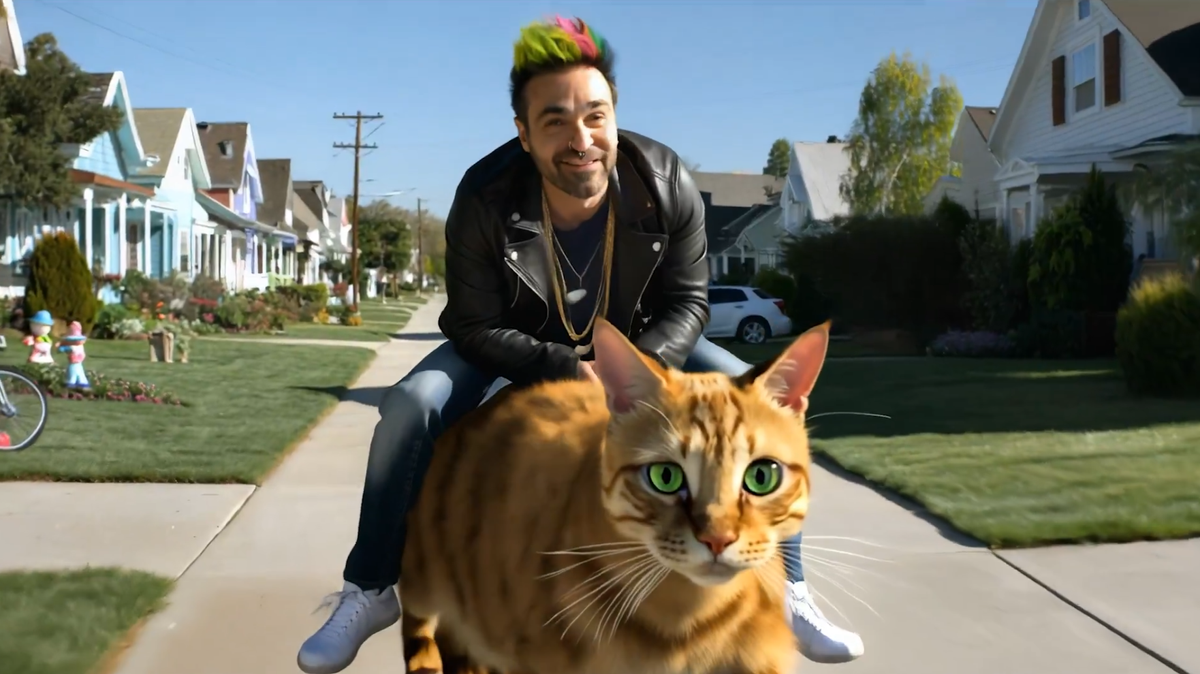
You get a smooth experience with pika 2.0 for ai video creation on karavideo.ai. If you want something easy to use, pika ai gives you creative control. This review comes from real testing. You see the strengths and learn where pika might fall short when you create your own video.
Key Takeaways
- Pika 2.0 helps anyone make videos easily. You can be new or very skilled. You can use text, images, or videos to start. You can make special content fast.
- The platform has strong tools like Scene Ingredients. This lets you change characters and backgrounds. Your videos will look neat and professional.
- Pika 2.0 gives you clear videos at 1080p. You can try many styles and be creative. It works well for social media, marketing, and telling stories.
Pika 2.0 and karavideo.ai Overview
What Is Pika 2.0?
You might wonder what makes pika 2.0 stand out in the world of ai video generation. This video creation platform handles millions of videos every week. You can type what you want to see, or even draw over a video to make changes. Pika supports many styles, like 3D animation or a cinematic look. Investors trust pika, too. The company raised $55 million soon after launch. You do not need special editing skills to use this ai video generator. Pika ai wants to make video creation easy for everyone.
- You get a tool that works for beginners and pros.
- You can create animations with just a few words.
- You can change videos by drawing or typing.
- You see lots of style options for your projects.
Key Features for AI Video Generation
When you use the pika ai video generator, you get a set of features that help you make videos fast and easy. Here’s a quick look at what you can do with this video creation tool:
You get a lot of power with these video generation tools. Pika ai uses generative ai to help you make videos your way. If you want to try new ai video tools, this generator gives you options for every project.
Getting Started with Pika AI Video Generator
Sign-Up and Interface Walkthrough
It is easy to start using the pika ai video generator. You can sign up fast with your email and a password. After logging in, you see a simple dashboard. The layout is clear and not confusing. Big buttons help you start a project or look at templates. You do not have to search through lots of menus.
The platform’s design makes you feel at ease, even if you are new. If you know about video making, you will spot advanced tools. These tools are easy to find. You can switch between simple and advanced choices without trouble.
Tip: Hover your mouse over the icons. You will see pop-ups that tell you what each tool does.
Workflow and First Impressions
You can make your first video in just a few minutes. The interface guides you step by step. You choose to start with text, an image, or a video. Then you add more details or effects. The preview changes as you work, so you see updates right away.
pika 2.0 is special because it lets anyone make videos. Beginners get an easy way to start. People with experience find strong features ready to use. You do not need to read a big manual or watch long videos.
Here is a table that shows how Pika 2.0 is different from another tool:
You can see that pika ai video generator gives you both fun and control from the very beginning.
Pika 2.0 User Experience Review
Creating Videos with Text, Images, or Footage
You want to know how the pika ai video generator works in real life. Let’s walk through the steps you’ll take when creating ai videos. You can start with text, upload images, or even use your own footage. The process feels smooth and quick.
- Type your idea in English. For example, you might write:
'Chewbacca on the turntables in a retro neon club, Stormtroopers dancing, electro vibe, camera moving around.' - Pick your advanced options. You can set the aspect ratio or other details.
- Hit the generate button. Wait a few seconds. The generator gives you a five-second clip.
- If you see something strange, like blurry faces or odd colors, you can add a negative prompt. This helps fix problems.
- Want to use an image? Upload one from your computer or a tool like Midjourney.
- Describe the animation style you want. Choose 2D or 3D, set the ratio, and let pika ai do the rest.
- For more complex scenes, upload several visuals. Add a character, an object, and a background. Write a prompt to explain the scene. Pika ai video generator combines everything into a short, animated video.
You can use pika ai for many projects. Here’s a table that shows who uses pika and what they make:
You see that pika 2.0 fits many needs. You can make a cinematic ai video for social media, a lesson for your class, or a storyboard for your film.
Output Quality and Customization
Let’s talk about what you get after you hit generate. The pika ai video generator gives you 1080p video quality if you choose the right settings. The clips look sharp and clear. You can use them for professional output or share them online.
Pika 2.0 stands out because you get real creative control. The Scene Ingredients feature lets you upload your own characters and backgrounds. This keeps your characters looking the same in every scene. You do not have to worry about them changing or looking strange. You can adjust the mood, the motion, and the environment. This helps your creativity shine.
- You avoid jumbled or confusing results.
- You break your vision into simple parts for the ai.
- You make small changes to get the look you want.
You can try different styles, like 3D animation or a cinematic look. The features make it easy to experiment. You do not need to start over if you want to swap a character or add a new effect.
Note: Sometimes, the generator does not follow your prompt exactly. You might see a missed detail or a small error. If this happens, try changing your prompt or using a negative prompt to guide the ai.
In this review, you see that pika ai video generator gives you strong tools for video creation. You get high-quality results, lots of customization, and a fun experience. Sometimes, you need to adjust your prompt or try again, but the process stays easy and creative.
Pika AI Video Generator Performance
Speed and Reliability
You want your videos to be ready fast. Pika ai video generator works well, but it is not the quickest tool. When you make a new video, you wait a few seconds for the ai to finish. If many people use it, you might wait longer. Most times, your video is ready in less than a minute.
Here’s a simple look at how pika 2.0 compares to other ai video tools:
You can count on pika ai video generator for most projects. Sometimes, if lots of people use it, you might see a short wait. The platform almost never crashes or loses your work. You get a steady experience when you make videos.
Strengths and Limitations
Pika ai video generator is special because it is easy to use and has creative features. You can use Scene Ingredients to mix characters, backgrounds, and objects. This helps you stay creative and make unique videos. Many users like the choices for customizing. One reviewer said,
"I really like the new model and the cool 'ingredients' feature. It lets me change the output more."
Here’s a table of what users like best:
You get good performance and quality, but pika ai video generator can slow down if too many people use it. Sometimes, the ai misses small things in your prompt. You may need to try again or change your prompt. Still, pika ai is a strong choice for making ai videos.
Pika AI Review: Pros and Cons
What Works Well
You will notice right away that pika ai gives you a lot of creative power. Many users in every pika ai review talk about how the platform follows your prompts and understands even complex motion. You can ask for a video with fantasy or realistic scenes, and the results look smooth and lively. The pika ai video generator lets you control video elements using your own images, which makes your projects feel unique.
Here are some things people love about pika ai:
- It follows your prompts closely, even with detailed or tricky ideas.
- You get many ways to customize your video, from style to motion.
- The generator keeps important details from your prompt in the final video.
- You can use your own images to guide the look and feel.
- The motion in videos feels real, whether you want something lifelike or wild.
If you want a tool that listens to your ideas and gives you control, pika ai stands out.
Where It Falls Short
No platform is perfect, and pika has a few weak spots. Sometimes, the ai misses small details in your prompt or changes a character’s look between scenes. You might need to try a few times to get the exact result you want. When many people use pika ai, the generation speed can slow down. Some users in a pika ai review say they wish for longer video clips or more advanced editing tools.
Note: If you want to use pika ai for big projects, you may need to plan for extra time. The platform works best for short, creative videos.
Overall, pika ai gives you strong features and creative freedom, but you may run into small issues with detail and speed.
Pricing and Value on karavideo.ai
Free vs Paid Plans
You might wonder what you get with the free plan and how it compares to paid options. The pika ai video generator gives you a good start with the free plan. You can make up to 250 videos each month, but you will see a watermark on your creations. If you want more, pika offers several paid plans. These plans remove the watermark and give you more monthly credits. Here’s a quick look at the options:
You can pick a plan that fits your needs. If you just want to try out pika ai, the free plan works well. If you need more videos or want to remove the watermark, a paid plan makes sense.
Is Pika 2.0 Worth It?
You get a lot for your money with pika. The paid plans unlock 1080p resolution and longer video shots. For example, pika 2.5 costs $35 per month and gives you 10-second shot lengths. Many users say the price is fair for the features you get. Here are some reasons why pika ai stands out:
- You get high-quality video output.
- The generator is easy to use and fast.
- You can create as many videos as you need with the unlimited plan.
If you want a creative ai tool that grows with your projects, pika ai gives you strong value. You can start free and upgrade when you need more.
Comparing Pika 2.0 to Other AI Video Generators
Key Differences and Alternatives
You may wonder how pika ai compares to other video tools. Pika gives you lots of creative control and quick results. Some other platforms only focus on style or have fewer ways to change your video. With pika, you can start with text, images, or footage. You can switch characters or add effects in just a few clicks. If you want the best ai video generator for short videos, pika ai gives you clear output and smooth movement.
Here’s a table that shows how pika stacks up against other popular choices:
You can see pika ai lets you shape your video more and get the look you want.
When to Choose Pika 2.0
Pick pika if you need to make videos fast and want them to look good. Pika works best for short projects like social media posts or ads. The generator helps you create content quickly, so you save time. Pika ai is great for YouTubers, short video creators, and agencies who want pro results. Marketers use pika to make product demos and ads that get attention. Artists can turn their sketches into moving scenes. Developers and tech teachers use pika ai to explain hard ideas with easy pictures.
- YouTubers & Short-Form Creators: Make fast videos without watermarks.
- Video Agencies & Freelancers: Give clients high-quality work.
- Marketers & eCommerce Brands: Create product demos and story ads.
- Artists & Storytellers: Animate sketches and characters.
- Developers & Tech Educators: Make simple visuals for lessons.
If you want an ai tool that works for many jobs, pika ai is a top pick.
You can make videos quickly with pika 2.0. The process is fun and simple. If you want short videos for social media, pika ai is a great choice. Use clear prompts to get good results. Try making short clips and see how they look. You can compare your videos to others. Pika ai is best for creators and marketers. It also works well for people who like cool visuals.
FAQ
How long does it take to make a video with Pika 2.0?
You usually get your video in less than a minute. If lots of people use it, you might wait a bit longer.
Can you use your own images in Pika 2.0?
Yes! You can upload your own pictures. Pika mixes them into your video so you get a custom look.
What happens if the video doesn’t match your prompt?
Try changing your prompt or add a negative prompt. The AI learns from your changes and gives you better results next time.