Gen 4.5 Review Breaking Down Its Strengths and Weaknesses
You want quick results, great video quality, and control over your work. Gen 4.5 is a top leader in ai video with real-looking content that seems like a movie
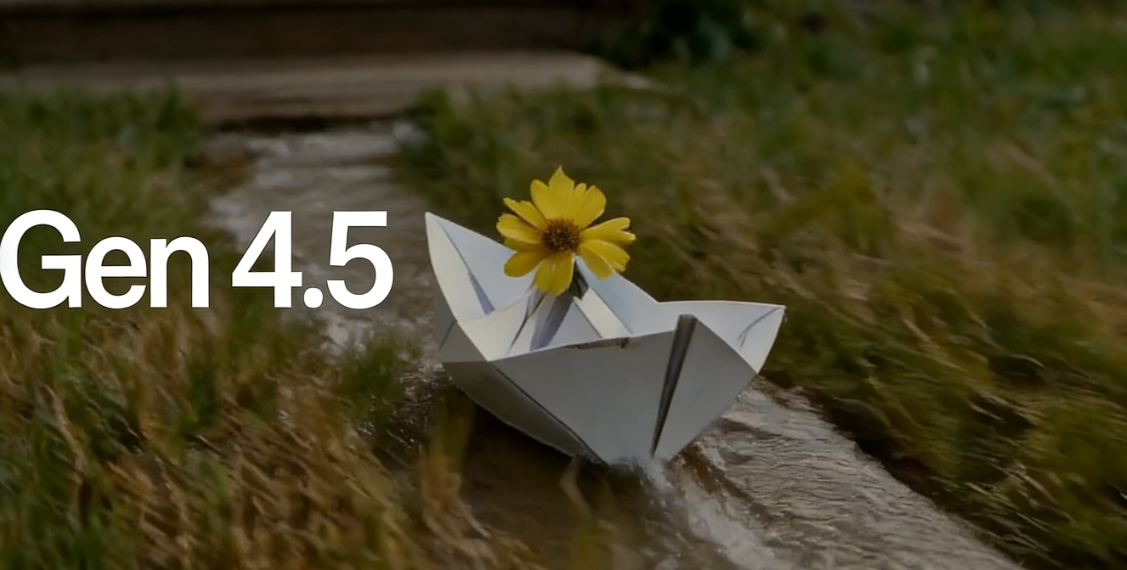
You want quick results, great video quality, and control over your work. Gen 4.5 is a top leader in ai video with real-looking content that seems like a movie. You get fast work and things done easily, but it can cost a lot and you may wait a long time. Some people have different feelings about using it. Runway gives you strong tools that help you make video from text easily.
Key Takeaways
- Gen 4.5 is best for making videos. It is a top pick for people who want good content.
- Gen 4.5 makes videos fast. You can get a full video in about 30 seconds. This helps you work faster.
- The video quality looks real and clear. Many users give it high ratings. Your videos will look nice and interesting.
- You can control your videos with detailed prompts. This helps you make videos that fit your ideas.
- There may be costs and wait times. These things can change how you feel about using Gen 4.5.
Gen 4.5 Strengths
Benchmark Performance
You want the best when it comes to generative video rankings. Gen 4.5 stands at the top. You see this in the numbers. The Elo score for gen 4.5 is 1,247. This score puts gen 4.5 above other ai video model options like Google’s Veo 3 and OpenAI’s Sora 2 Pro. You get the highest spot in the Artificial Analysis Text to Video benchmark. If you care about using the leading ai for your content, gen 4.5 on karavideo.ai gives you that edge.
- Gen 4.5 Elo score: 1,247
- Top position in generative video rankings
- Outperforms Google’s Veo 3 and OpenAI’s Sora 2 Pro
Speed And Efficiency
You want your generation process to move fast. Gen-4.5 delivers. You can create a full generative video in about 30 seconds. That’s much quicker than older versions or other ai video model tools. Here’s how it compares:
You save time with every generation. In professional settings, this speed changes how you work. You can quickly test ideas and see results. Creatives use gen-4.5 to turn storyboards into moving content in hours, not weeks. Brands like Heinz and Coke use ai to make and test lots of ad content fast. Even TV shows like The Late Show With Stephen Colbert use runway tools to cut graphics work from hours to minutes. You get more done with less waiting.
Video Quality And Realism
You want your generative content to look real. Gen 4.5 brings you photorealistic footage that stands out. In user studies, people gave gen-4.5 videos a high rating—4.5 out of 5. Viewers noticed sharper edges and stable lighting. You see better character motion and more believable scenes. Metrics like SSIM and VMAF show higher scores, which means your videos look better to both people and machines.
- Users rated video quality 4.5 out of 5
- Sharper edges and stable lighting
- Improved character motion and realism
- Higher SSIM and VMAF scores
Gen 4.5 uses temporal consistency modeling. This keeps objects and characters looking the same from start to finish. You don’t see faces shifting or things disappearing. The model also boosts cinematic realism. You get smooth lighting, natural motion, and real-looking materials. Your audience feels like they’re watching true photorealistic footage, not just ai generation.
Creative Control
You want to shape your content your way. Gen-4.5 gives you more creative control than before. You can guide the generation process with detailed prompts. The ai listens to your ideas and brings them to life. Animators now spend less time on boring tasks and more time making the ai output feel emotional and unique. You can focus on what matters—telling your story and making your vision real.
Runway and karavideo.ai help you use these generative tools easily. You get a platform that supports your creative flow. Major film festivals now look at ai generation as a new way to make movies. You can join this wave and push your content further with gen 4.5.
Gen-4.5 Weaknesses
Cost And Access
You want to try the latest ai tools, but cost can stop you. Gen 4.5 on karavideo.ai gives you a free trial, but you need to pay $12 each month for full access. This price is close to other ai video tools, but you still need to think about your budget. Here’s a quick look at how gen 4.5 compares:
You may find the price fair for the features, but there are other costs. If you want to retry a generation, you might pay extra. Many users say retry options often fail because of throttling. This means you sometimes need to wait or even look for other services. Some companies have switched away from AWS Bedrock because of these problems. These limitations can make you feel stuck, especially if you want to create a lot of content fast.
Note: Compute costs for gen-4.5 can be high. In 2025, the compute cost was 104% of revenue. This shows how expensive it is to run advanced ai models.
Queue Times
You want your content fast, but queue times can slow you down. Even with a paid plan, you may need to wait. Here’s what you can expect on karavideo.ai:
If you use the Plus plan, you might wait up to 8 minutes. Pro users get faster service, but you still wait. Relaxed Mode can take up to half an hour. These delays can break your creative flow. You may feel frustrated if you want to test many ideas quickly. Long queues are one of the main limitations of runway gen-4.5, especially for users who expect instant results.
User Satisfaction
You want a tool that feels easy and fun. Some users love gen-4.5 for its speed and quality. Others feel let down by the limitations. Non-professional users say the retry system does not always work. They report that long queues and extra costs make it hard to use the tool for personal projects. Some people say they switched to other ai platforms because they wanted more reliable access.
- Users like the video quality and realism.
- Many dislike the wait times and retry failures.
- Some companies changed their tech stack to avoid these issues.
You need to weigh these points before you choose gen-4.5. If you want the best ai video quality and can handle some delays and costs, you may still find value. If you want a tool for quick, unlimited content, you might feel the limitations more.
Runway Generative Features
Text To Video
You want to make your ideas into videos fast. Runway helps you do this with smart text-to-video tools. You type what you want, and the ai makes it real. On karavideo.ai, runway’s Gen 4.5 lets you create videos from simple prompts. The steps are easy. You describe your scene, add mood or camera details, and watch the ai make your video.
Runway’s Gen 4.5 can also start with an image. This image-to-video tool gives you more control than just text. You guide the ai with your picture, set camera moves, and direct the action. The results look like movies and feel real. You get smooth motion, better object paths, and faces that stay the same.
Here’s what runway’s Gen 4.5 can do:
Creators on karavideo.ai like runway for text-to-video projects. The ai listens to your ideas and gives you results that look professional.
Platform Integration
You want tools that work with what you use. Runway makes sure its text-to-video features fit into your workflow. On karavideo.ai, you get direct access to runway’s Gen 4.5 model. You can also use runway in desktop apps, cloud platforms, and popular tools.
Runway works with major developer APIs. This means you can connect runway’s ai to your favorite apps or automate tasks. Many companies use runway to add ai video to their own platforms. You might see runway in games, creative software, or even in Excel and Chrome extensions. This wide integration helps you work faster and smarter.
Here are ways runway fits into your daily work:
- Use runway’s text-to-video on karavideo.ai for quick videos.
- Connect runway to desktop apps for editing and review.
- Automate tasks with runway’s ai in cloud platforms.
- Find runway in over 250 games and creative apps.
You get flexibility and power. Runway’s integration with karavideo.ai and other platforms lets you create, edit, and share ai video content without switching tools. This makes runway a top choice for anyone who wants text-to-video technology in their projects.
Gen 4.5 Comparison
Previous Versions
When you look at gen 4.5 on karavideo.ai, you see big changes from earlier versions. You get videos that feel more real and show better physics. The ai understands how people move and how things should look. You can make longer clips and control more details in your scenes. Here’s a quick look at how gen-4.5 stacks up against gen-4:
You notice that gen-4.5 gives you more power and better results. You can trust the ai to keep faces and objects steady. You also get more advanced controls for your creative ideas.
Competing Models
You might wonder how gen-4.5 compares to other ai tools. When comparing gen-4.5 to competitors like Google’s Veo 3 or OpenAI’s Sora 2 Pro, you see some clear wins. Gen 4.5 leads the Video Arena leaderboard. It handles physics, human motion, and camera moves better than most. The ai understands cause and effect, so your content looks natural.
- You get top benchmark scores with gen 4.5.
- The model comes from a small team, showing strong innovation.
- Other models struggle with complex scenes or lose track of details.
If you want the best ai video on karavideo.ai, gen 4.5 stands out. You get more realism, better controls, and faster results. That makes your creative process smoother and your videos more impressive.
Use Case Recommendations
Best Fit Users
You want to know if Gen 4.5 is right for you. If you make movies or videos for brands, it helps a lot. Gen 4.5 lets you turn ideas into ai videos quickly. You can use it for storyboards, ads, or short films. Filmmakers like the realistic look and creative choices. You see your ideas come alive with less work. If you need high-quality ai video for work, karavideo.ai has good tools.
Tip: If you teach or do marketing, Gen 4.5 helps you make fun clips. The ai makes your work faster and lets you focus on your story. You save time and get videos that look nice.
You get the most from Gen 4.5 if you want fast results, strong controls, and movie-like quality. Gen 4.5 on karavideo.ai is known for speed and great videos. The platform helps creative people make films and try new things.
Alternatives To Consider
You might want other ai video tools if you have less money or need simple videos. Some users say Gen 4.5 has bugs or long wait times. Think about what you need before you choose. Here are some things to look at:
- Performance: Gen 4.5 is faster than most other tools.
- Communication: The ai helps you work with others and plan your videos.
- User Experience: Some users see random changes or bugs that slow them down.
Here’s a table with other ai video tools you can use:
If you want fast social media clips, Pictory is a good choice. For easy blog videos, Lumen5 is simple and cheap. DeepMotion gives you cool 3D animation, but it costs more and is harder to learn. Synthesia helps you make pro ai videos with avatars, but you get less control.
Pick Gen 4.5 on karavideo.ai if you want the best ai video and creative tools for movies. If you need basic videos or want to spend less, try another tool. Karavideo.ai has top features for making movies, but you have other choices if you need something else.
You get top results with gen 4.5. It leads benchmarks, works fast, and makes ai videos that look real. You control your creative ideas with ease. You may face high costs, wait times, and mixed feedback. If you want the best ai for creative or conversational work, gen-4.5 on karavideo.ai fits your needs. For logic-heavy or technical ai tasks, try pairing it with other tools. You get value if you focus on creative video projects.
FAQ
What makes Gen 4.5 on karavideo.ai special?
You get fast, realistic videos with Gen 4.5. The tool stands out for its speed, quality, and creative control. Many users choose karavideo.ai because it leads in benchmarks and gives you movie-like results.
Can I use Gen 4.5 for free on karavideo.ai?
You can try Gen 4.5 with a free trial on karavideo.ai. For full access, you need a paid plan. The free trial lets you test the main features before you decide.
How long does it take to make a video with Gen 4.5?
Most videos finish in about 30 seconds. Sometimes, you might wait a few minutes if there is a queue. Karavideo.ai shows you the wait time before you start.
Who should use Gen 4.5 on karavideo.ai?
If you make ads, movies, or creative projects, Gen 4.5 fits your needs. Teachers, marketers, and students also use karavideo.ai for quick, high-quality videos.
What are the main limits of Gen 4.5?
You may face wait times and extra costs for retries. Some users on karavideo.ai report mixed feelings about these limits. You should check if the tool matches your workflow.